Creating an Additional Product
How to create a new additional product?
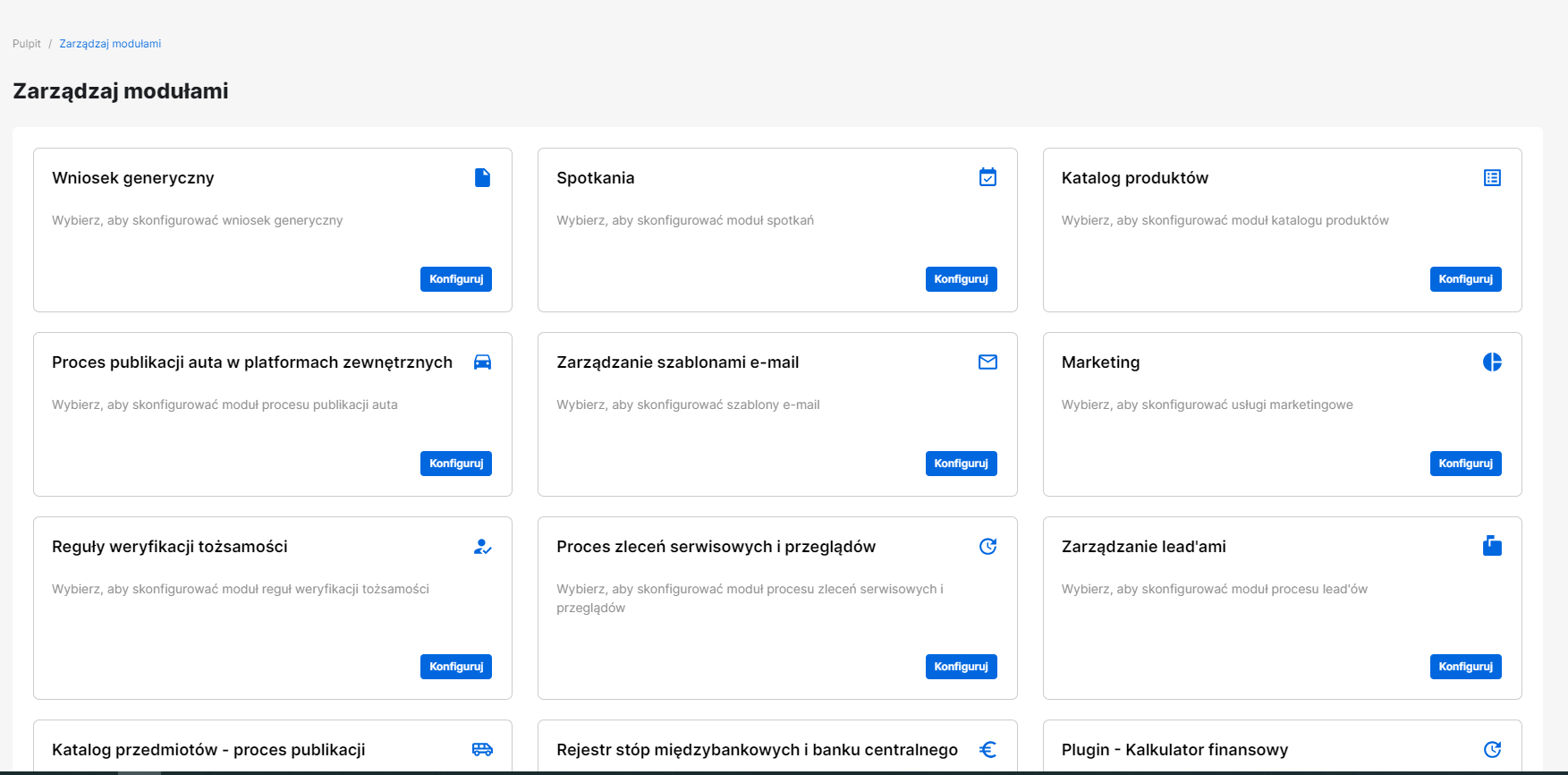
1. Go to the "Manage Modules" page
To access the "Manage Modules" page, click the fifth icon on the left sidebar. On the page, you will see tiles; select the one labeled "Product Catalog".
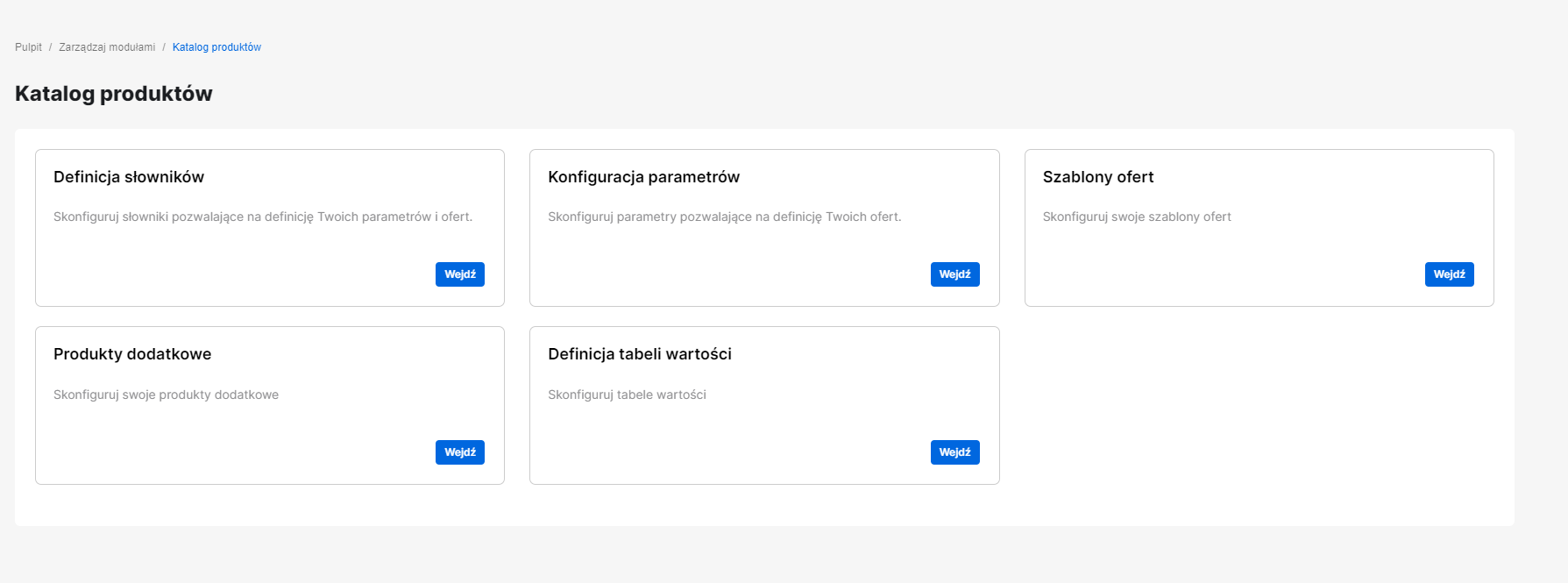
2. Go to the "Additional Products" page
Click the "Additional Products" tile.
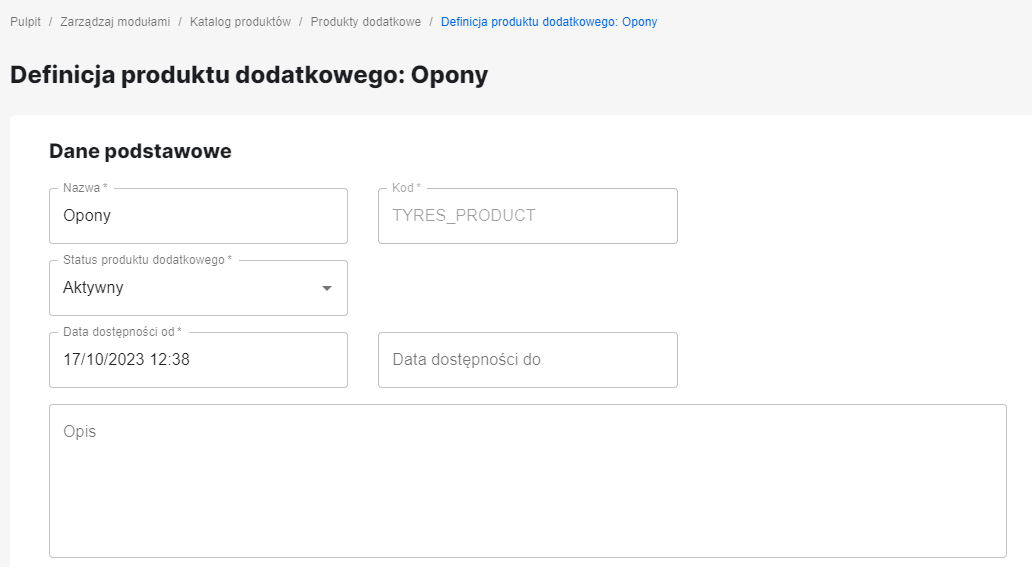
3. Add an additional product
Add an additional product named, for example, "Tires".
4. Add parameters for the additional product
Add parameters for the additional product.
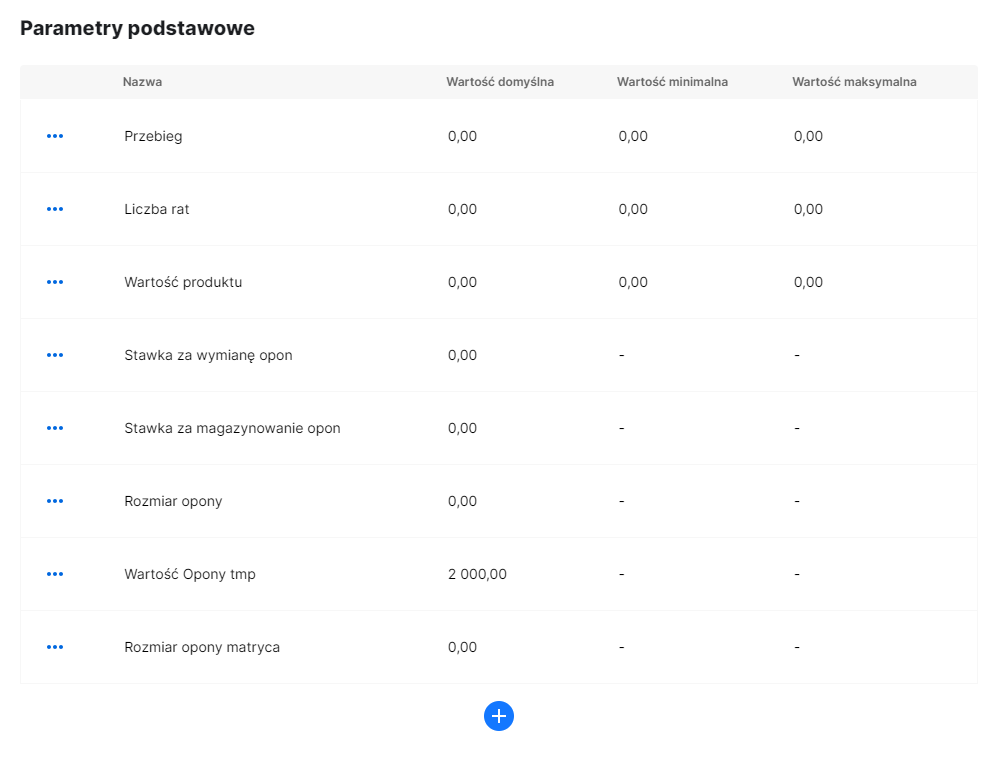
Parameters
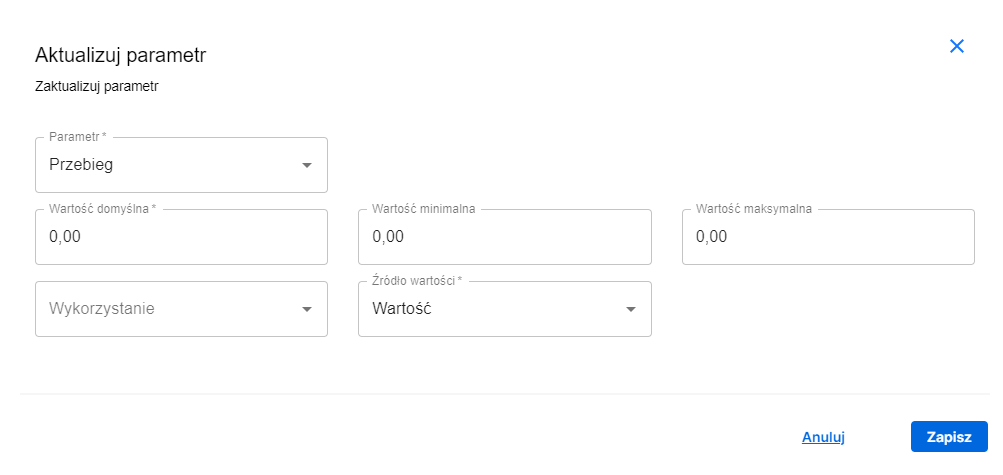
Parameter Mileage - must also be configured on the offer
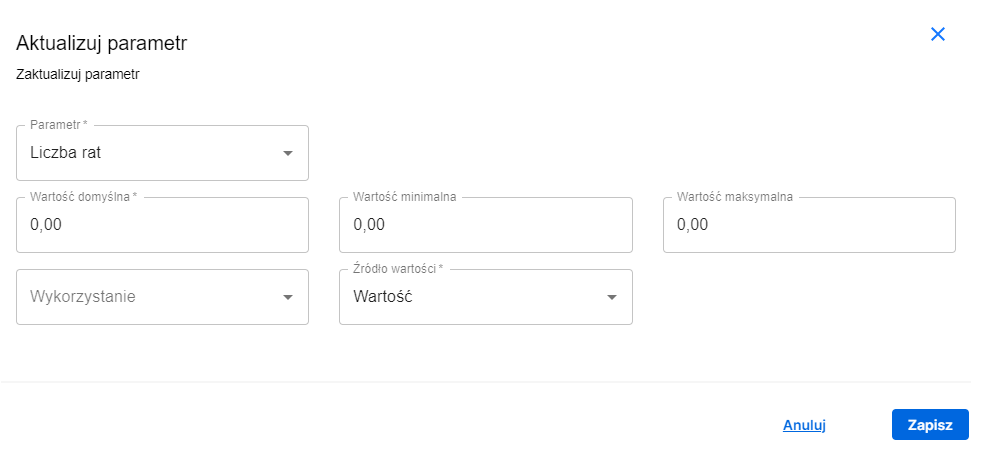
Parameter Number of installments - must also be configured on the offer
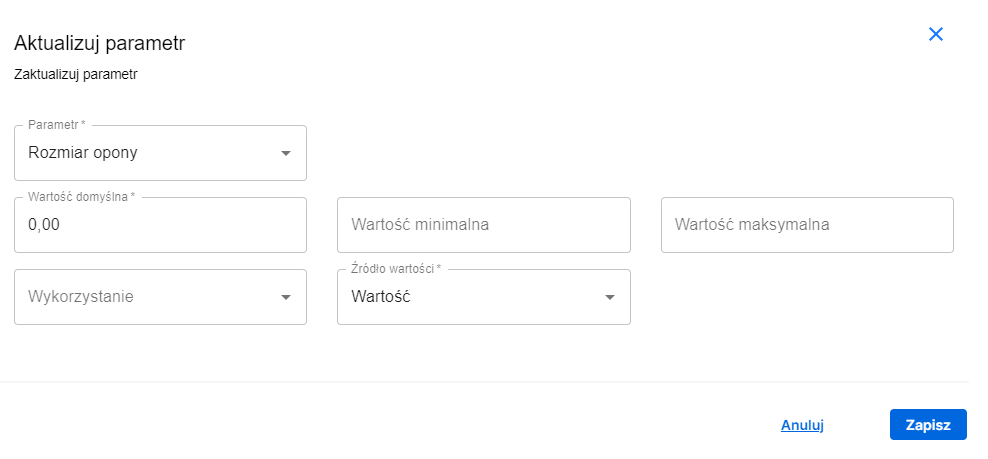
Parameter Tire size - must also be configured on the offer
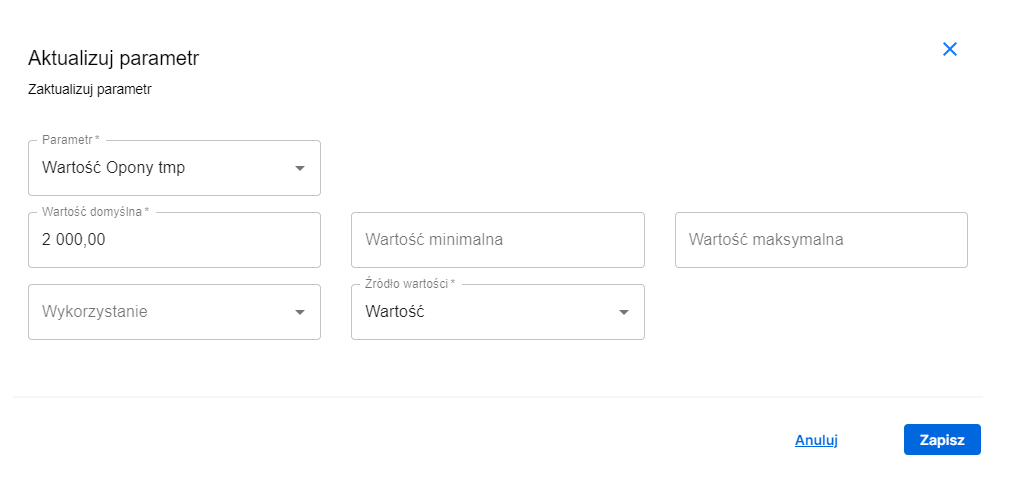
Parameter Tire price tmp - this is the tire price; here, a fixed price of 2,000 PLN is assumed, but it could also be a matrix with all tire prices
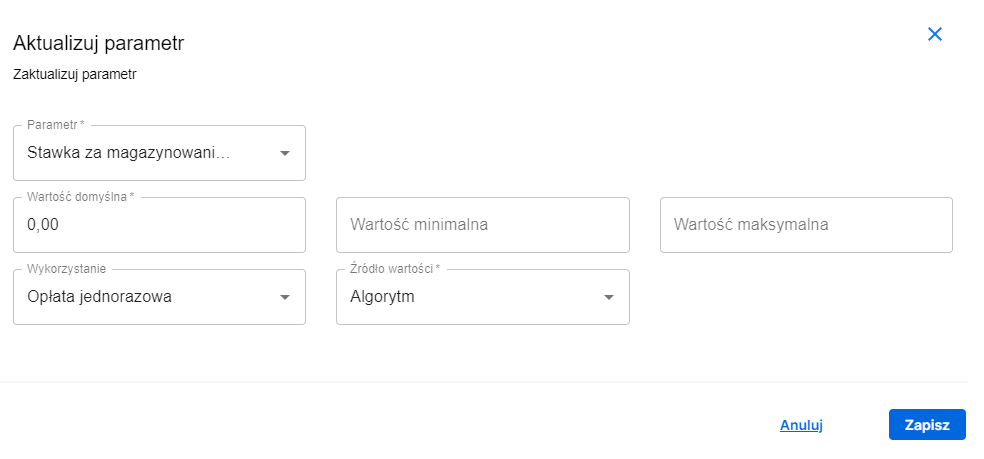
Parameter Storage fee rate - this is an algorithm-type parameter; we calculate this value as a one-time fee
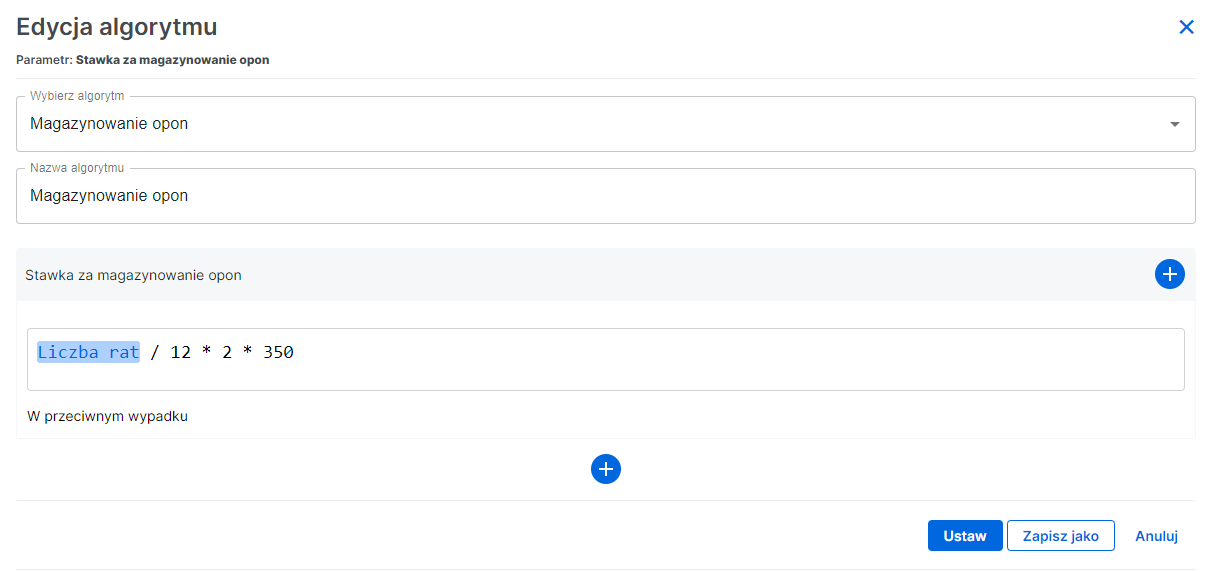
We also need to configure the algorithm for this parameter. Here it is:
Number of installments divided by 12 months times 2 (because there are 2 storages for summer and winter) times the price for one storage (here a fixed value of 350 PLN is assumed)
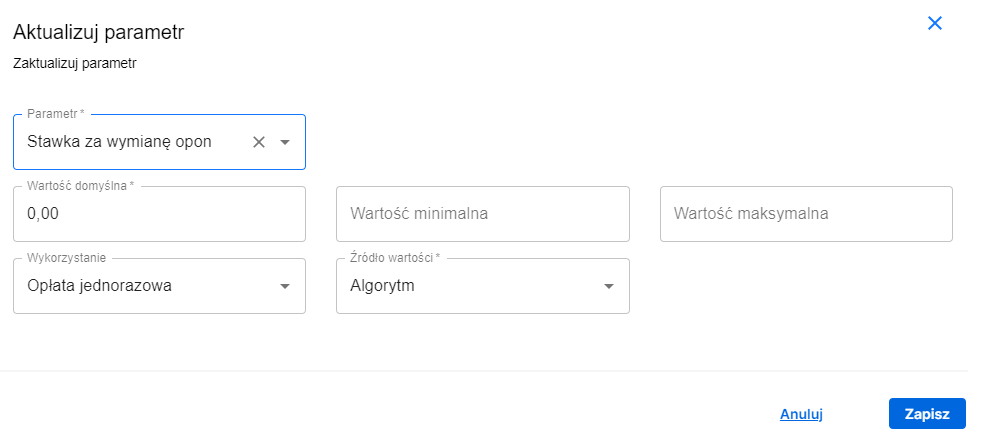
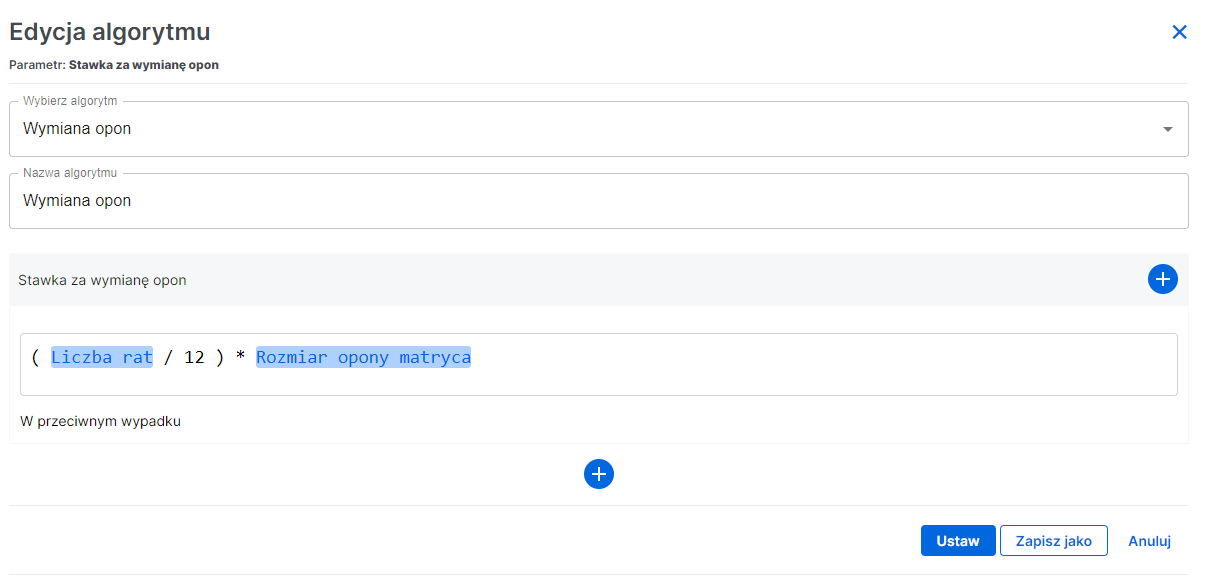
Parameter Tire change fee rate - this is an algorithm-type parameter; we calculate this value as a one-time fee
We also need to configure the algorithm for this parameter. Here it is:
Number of installments divided by 12 months times the tire size parameter matrix, which is taken from a table of values based on the tire size provided by the user
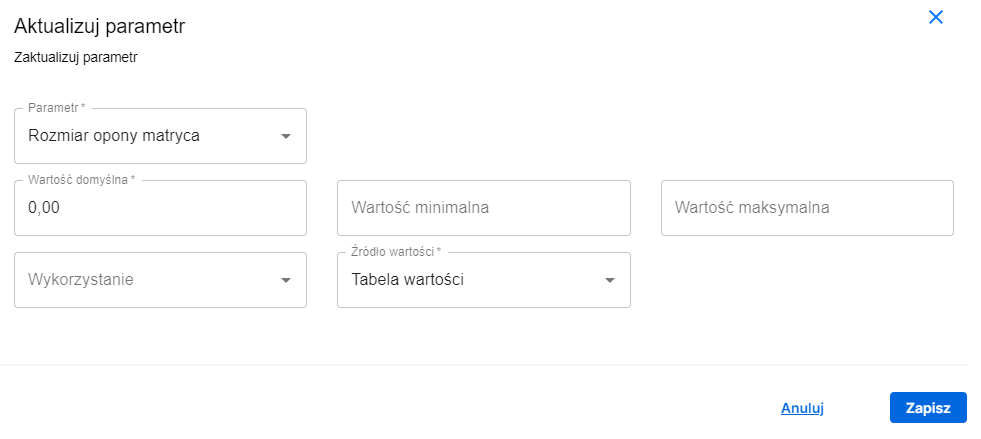
Parameter Tire size matrix - this is a value table parameter
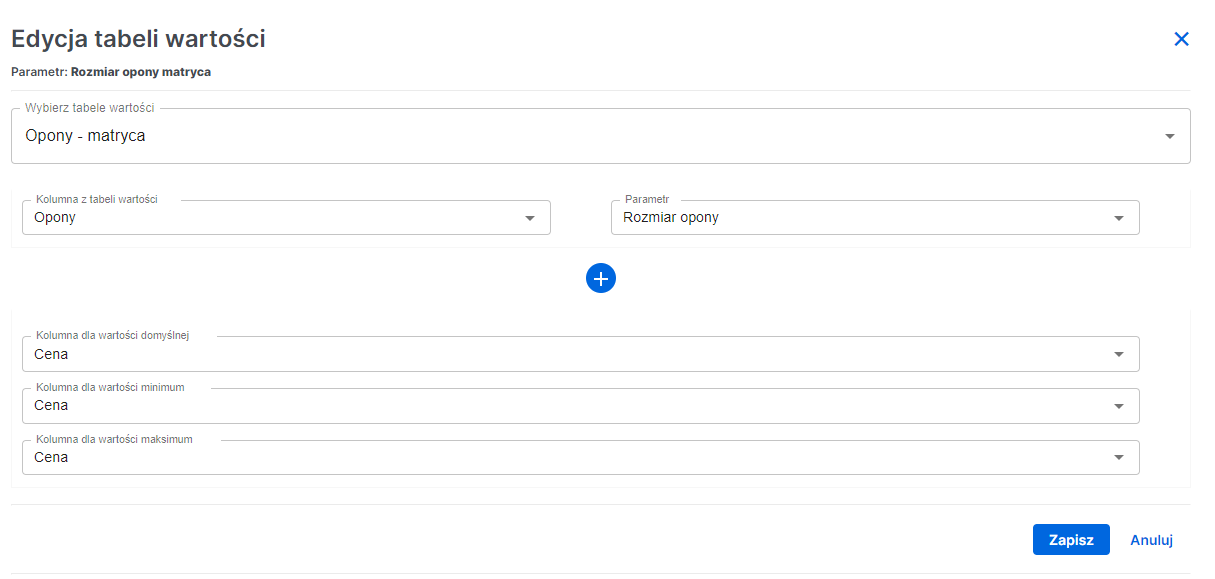
We also need to configure the value table for this parameter. We select the tire matrix, then set the column from the value table that corresponds to the parameter provided by the user. Our parameter is called Tire size. Then, we set columns for default, minimum, and maximum values.
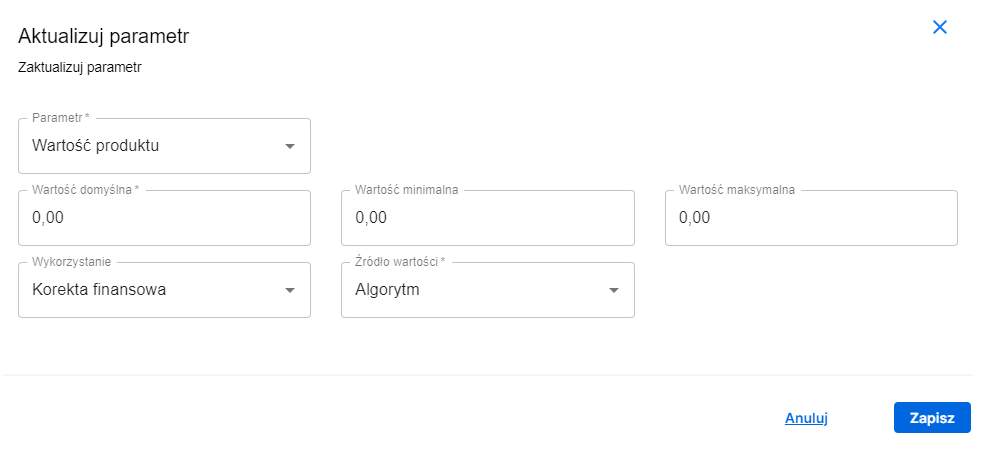
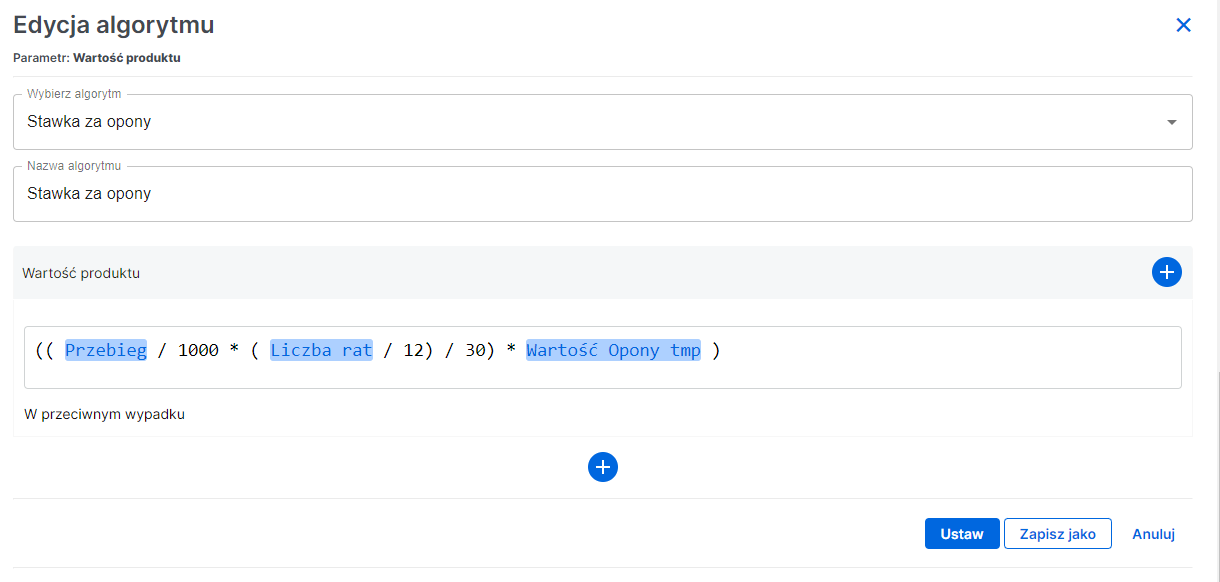
Parameter Product value - this is an algorithm-type parameter; we calculate this parameter value as a financing correction (included in the installment)
We also need to configure the algorithm for this parameter. Here it is:
Mileage (taken from the offer) divided by 1000 (since mileage is set in thousands) multiplied by mileage times number of installments divided by 12 months and 30 (30 is the mileage interval to replace tires) all multiplied by the tire price
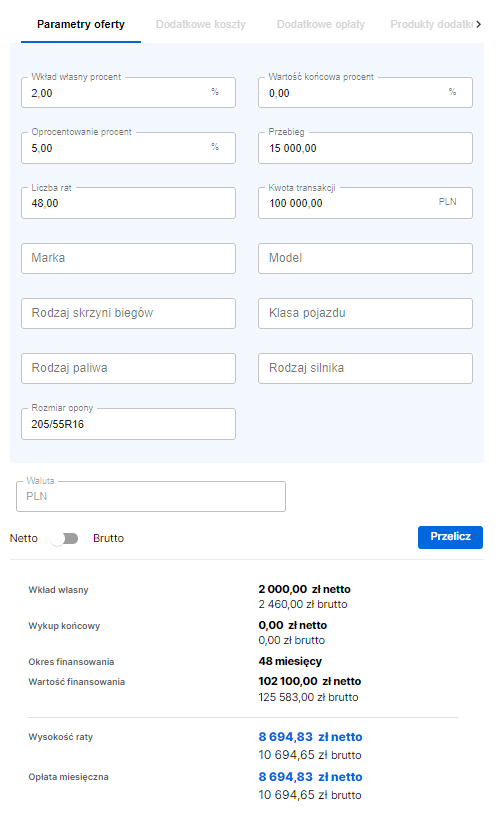
From all configured parameters, we can go to the offer and make the calculation
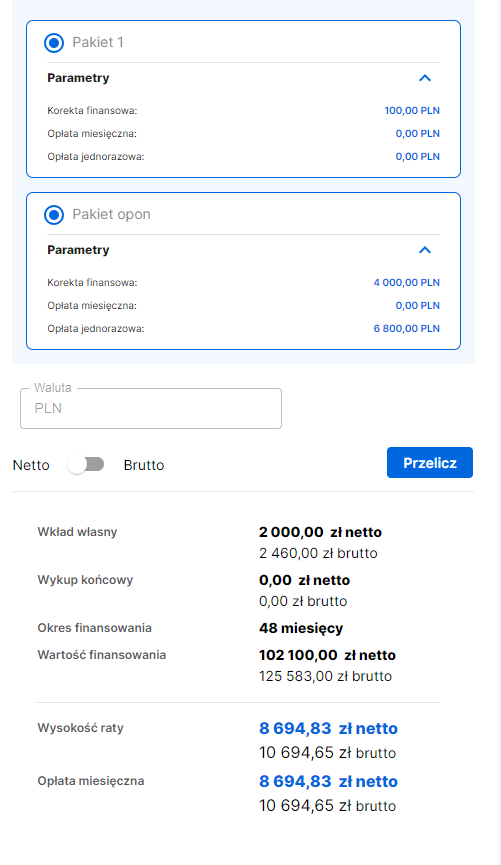
The calculation yielded 2 tire sets because the number of installments is 48 and the declared annual mileage is 15,000 kilometers, which gives 1 set of tires every 2 years