Client and Contract Overview
The Client and Contract Overview module in the Task Manager system allows users to view client data, contracts, and cases depending on their permissions in the Fintin system. It is a central place for accessing customer information and business processes.
Module Access
The client overview module is available from the main Task Manager menu (sidebar). The functionalities visible to the user depend directly on:
- System permissions - different roles have access to different sets of functionalities
- Implementation configuration - Fintin implementation may contain various business modules
- Assigned areas of responsibility - access to specific types of clients or contracts
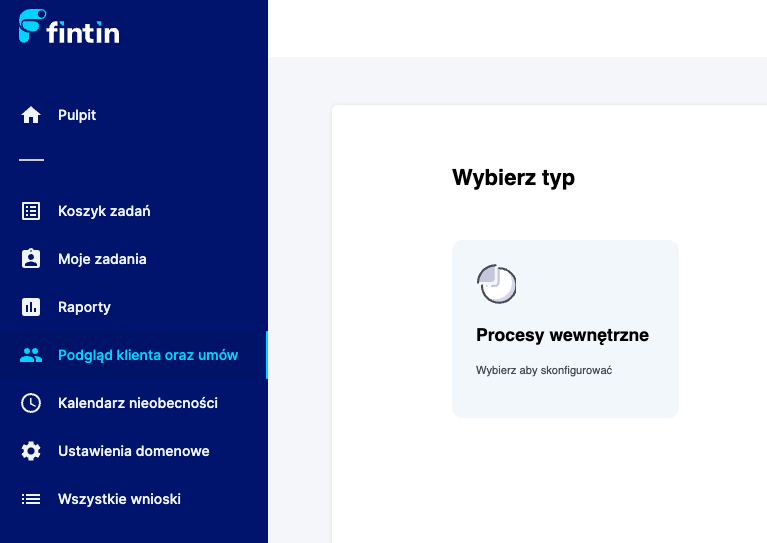
Main view of the client overview module with available search and browsing functionalities
Module Functionalities
360 Client View
Depending on the permissions held, the user can access the 360 client view, which offers:
- Complete overview - all products, contracts and client interactions or even logging into the client view
- Collaboration history - overview of all contacts/contracts
Submitting applications on behalf of the client
If the user has appropriate permissions, they can:
- Initiate new processes - submit applications
- Represent the client - act on behalf of and for the client
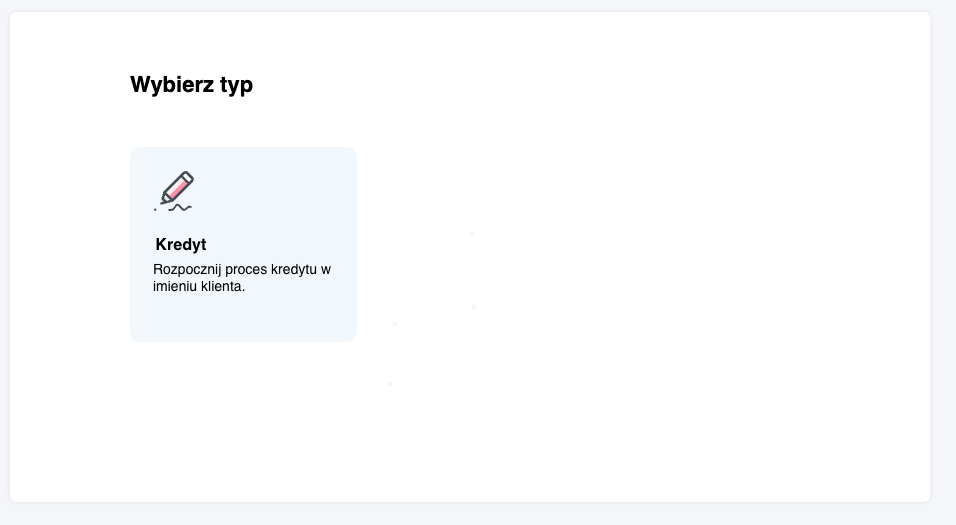
Example of assignment form available after entering a specific process for the client
Personalization and Configuration
Personalized forms depending on Fintin implementation
After entering a given process or view, a personalized form opens for the specific action, which contains:
- Dedicated fields - specific to the given type of process or product
- Business validations - checking data correctness according to business rules
- Process flow - subsequent steps according to Fintin implementation
- System integrations - automatic data retrieval from external systems
The "Client and Contract Overview" module is a central place for customer service in the Fintin system. Use it for comprehensive customer relationship management, from searching through analysis to initiating new business processes.
Remember that available functionalities depend on the specifics of the Fintin implementation in your organization. Contact the system administrator to gain access to additional modules or permissions.