Document Verification
The Document Verification module enables management and verification of documents required in the case execution process. It contains a list of items defined for each case that are required for its completion according to the process configuration.
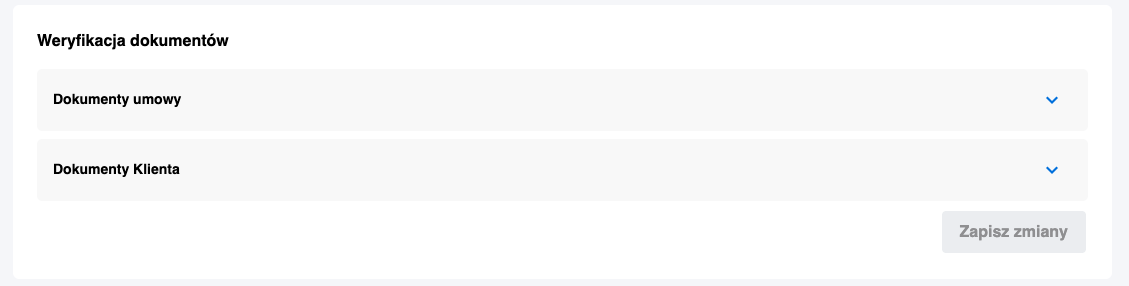
Module Structure
Document Categories
Documents are grouped into expandable category sections, such as:
- Contract documents,
- Subject documents,
- Client documents,
- Others.
Document Information
Each document in the section contains the following information:
- Document name
- Document type
- Channel
- Attachment date
- Added by
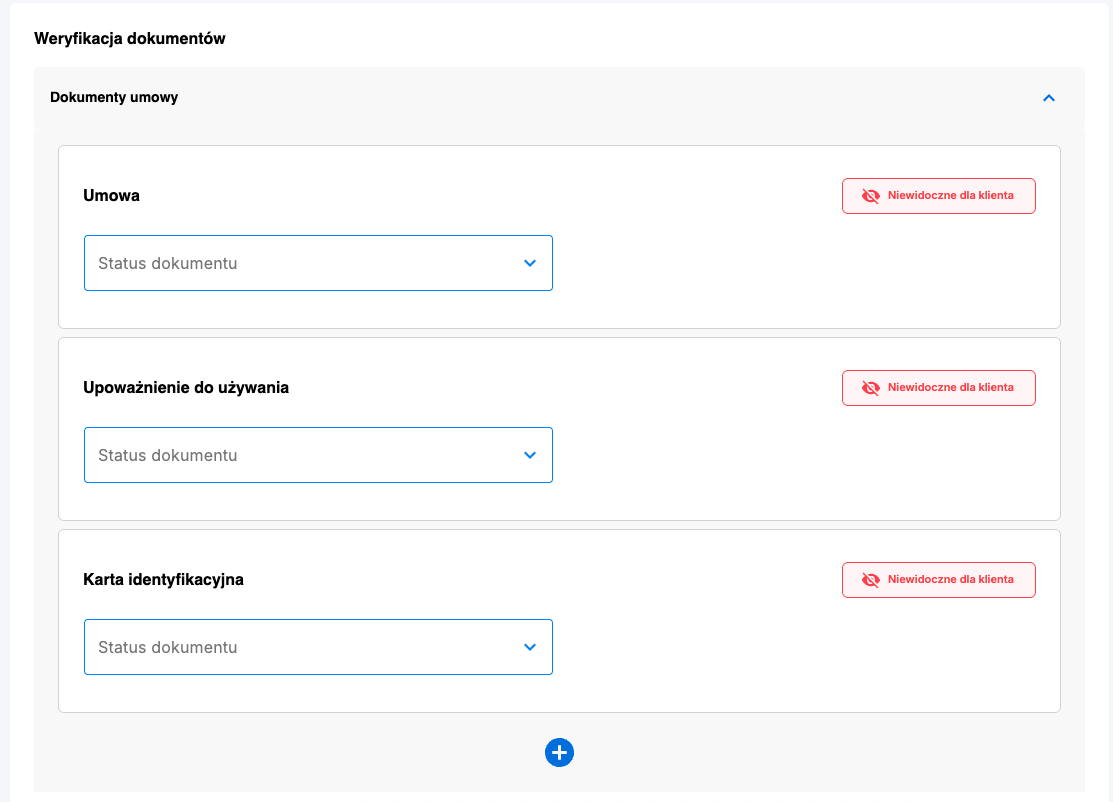
Document Verification
Verification Status
- Each document has a verification status defined by the list for the given process
- The status can be edited by the user
- Used to assess the attachment's correctness:
- Verification of accuracy
- Identification of deficiencies
- Marking incorrectly attached documents
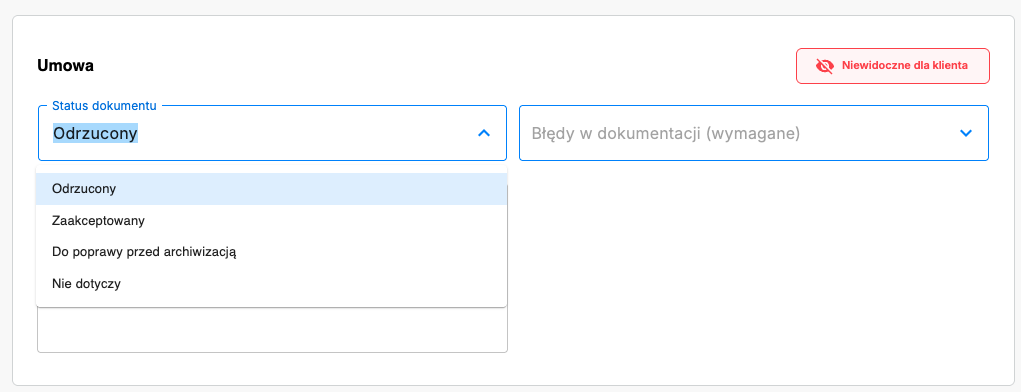
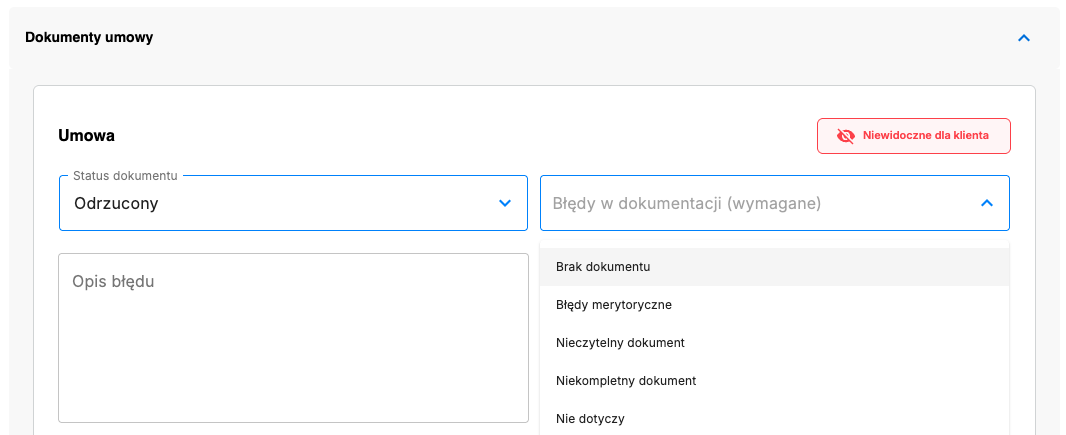
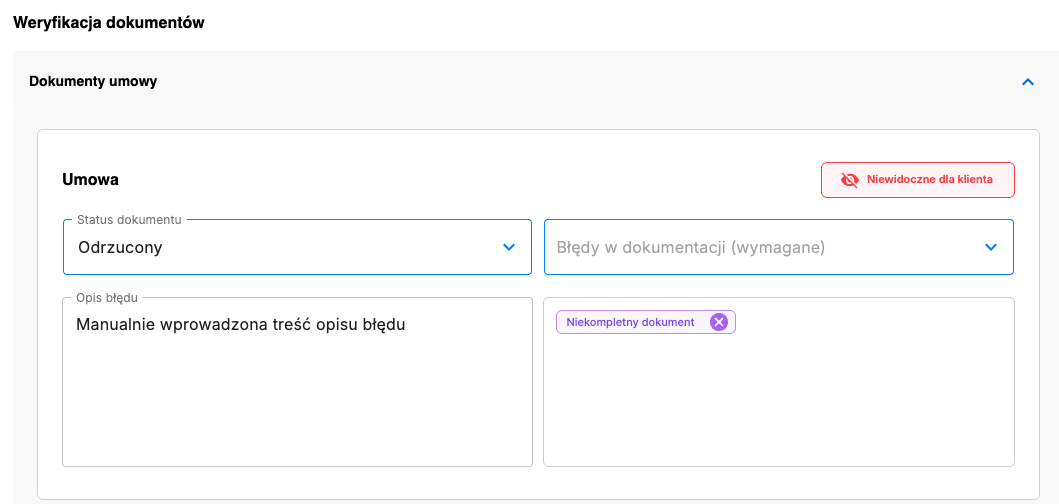
Verification Process
- Select the document status (non-final)
- Optionally select document errors from a predefined list
- Optionally manually enter an error description
- Save changes by clicking the "Save Changes" button
Change History
After each document/attachment edit, the system displays a "Change History" section containing:
- Verifier — name of the person making the change
- Verification date — date and time of the change
- Document status — selected verification status
- Deficiencies — selected errors from the dropdown list
- Comment — error description
Category Management
Each attachment can be moved to another category defined in the case process, allowing flexible document management within the process.