Task Attachments
The Task Attachments section allows adding, viewing, and managing files related to a task. It enables storing documents, images, and other materials necessary for task completion.
Attachment Information
Each attachment includes:
- File name
- File type
- Date added
- User who added the file
Attachment Adding Process
- The user opens the task details.
- Navigates to the “Attachments” section.
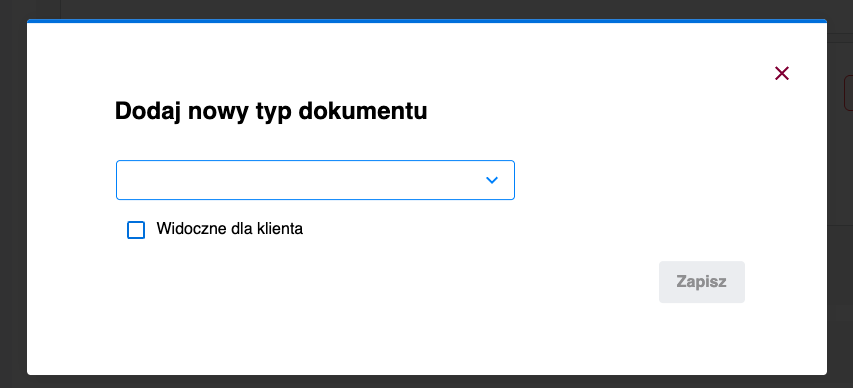
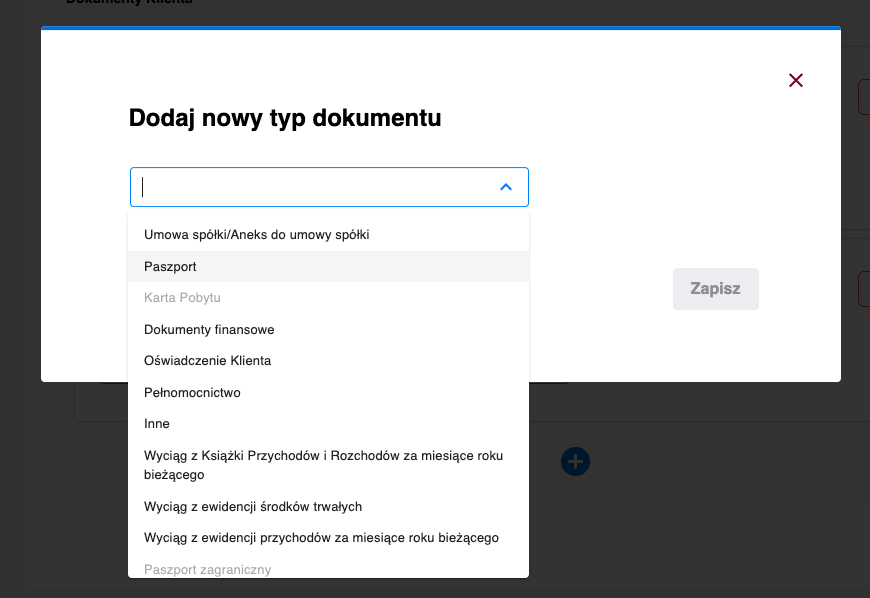
- Adds a file from disk and confirms the addition.
Effects of Adding an Attachment
- The file appears in the task’s attachment list.
- Other users can download or view the attachment (if not restricted by configuration).
Attachments Preview
The task details display a list of all attachments along with their dates and users.